Buy bvws.eu ?
We are moving the project
bvws.eu .
Are you interested in purchasing the domain
bvws.eu ?
domain@kv-gmbh.de · 0541-91531010
Buy bvws.eu ?
What is the difference between Visual Studio and Visual Studio Code?
Visual Studio is a full-featured integrated development environment (IDE) developed by Microsoft, primarily used for developing computer programs, websites, web apps, and mobile apps. It provides a wide range of features and tools for software development, including debugging, code editing, and project management. On the other hand, Visual Studio Code is a lightweight, open-source code editor developed by Microsoft. It is designed for quick and efficient coding and supports a wide range of programming languages. Visual Studio Code is highly customizable and has a rich ecosystem of extensions for additional functionality. In summary, Visual Studio is a comprehensive IDE with a wide range of features for software development, while Visual Studio Code is a lightweight, customizable code editor focused on quick and efficient coding. **
What is better for programming, Visual Studio or Visual Studio Code?
The answer to this question depends on the specific needs and preferences of the programmer. Visual Studio is a full-featured integrated development environment (IDE) with a wide range of tools and features, making it suitable for large, complex projects. On the other hand, Visual Studio Code is a lightweight, customizable code editor that is more suitable for smaller projects and quick coding tasks. Visual Studio Code is also more flexible and can be easily extended with various plugins and extensions. Ultimately, the choice between the two depends on the specific requirements of the project and the preferences of the programmer. **

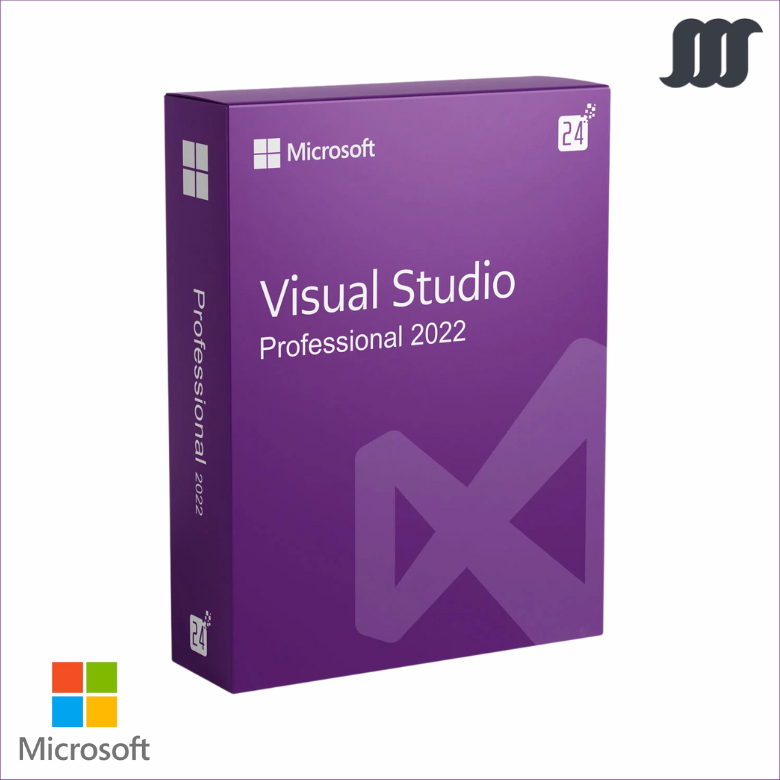
Similar search terms for Visual Studio
Top-Angebote
Products related to Visual Studio:
-
In Easy Steps Limited Visual Basic in easy steps, 4th edition: Covers Visual Basic 2015Visual Basic in easy steps, 4th edition shows you how to quickly create Windows applications using the latest free Visual Studio Community 2015 programming environment. This book gives you code examples, screenshots, and step-by-step instructions that illustrate each aspect of Visual Basic. Visual Basic in easy steps, 4th edition begins by describing the Visual Studio Community 2015 installation process, then introduces form controls, application properties, the programming language, and problem-solving techniques. Next, the book illustrates by example, how to build and deploy a complete Windows application. A chapter is devoted to scripting with Visual Basic. This first shows you how to create 'macros' for Word and Excel in Microsoft Office, using Visual Basic for Applications (VBA), then demonstrates how to manipulate files and data within the Windows operating system using VBScript. You will learn how to incorporate external data into your applications from text files, Excel spreadsheets, XML documents, live RSS web feeds, and SQL databases. You need have no previous knowledge of any programming language so it's ideal if you're a newcomer to Windows programming. Each chapter builds your knowledge of Visual Basic. By the end of this book you will have gained a sound understanding of Visual Basic programming and be able to create your own interactive applications. Visual Basic in easy steps, 4th edition has an easy-to-follow style that will appeal to anyone who wants to begin Windows programming. It will appeal to programmers who want to quickly learn the latest Visual Basic techniques, and to the student who is studying computing at school or college, and to those seeking a career in Information Technology who need a thorough understanding of Visual Basic programming.5,49 £*Shipping: 2,99 £Secure redirect to the provider
-
DK Snake: The Essential Visual GuideFind out about snakes from all over the world in this best-selling visual guide, with information about snake evolution, habitats, reproductive behaviour, feeding, defence, and much more.Snake is the essential guide to the world of serpents, featuring more than 3,000 species. With a clean fresh look, classifications, stunning photography, and amazing artworks, this is a must-have reference for all herpetologists.Packed with fascinating facts such as physical and behavioural characteristics, this guide also includes focused profiles of 60 snakes, from the Rainbow Boa to the Tropical Rattlesnake. Each profile includes a stunning full-page photograph of the snake, supporting images to highlight important features, and a 'Fact File' sidebar to give at-a-glance information. Plus, a complete directory lists all known species of these fascinating reptiles, including venomous snakes such as cobras.Snake is a beautiful and comprehensive guide to some of nature's most compelling animals.9,99 £*Shipping: 2,99 £Secure redirect to the provider
-
Good Directions "20"" Tranquil Harmony Bird Bath Basin"Introduce tranquility to your avian companions with this exquisite copper basin. Crafted with the utmost care, the inner surface of this birdbath features delicate hand-punched, beaded embellishments, gracefully adorning the dark brass, rubbed...126,09 $*Shipping: 0,00 $Secure redirect to the provider
-
Brayden Studio Bonny Harmony Bedroom Duo Set Oslo OakCreate a coordinated and organised bedroom with the Bonny Serenity 2 Piece Wardrobe and Dressing Table Set. Featuring a 3 door wardrobe with an integrated mirror and a matching dressing table, this set combines practical clothing storage with a dedicated space for getting ready. The wardrobe offers enclosed storage for clothing and accessories, while the dressing table provides three drawers and a spacious tabletop for cosmetics, skincare and everyday essentials. The full-length mirror makes outfit checks convenient, while the open space beneath the dressing table allows comfortable seating. With matching geometric detailing and a natural wood-effect finish, this set brings functionality and a cohesive look to your bedroom. Includes a 3 door mirrored wardrobe and matching dressing table, providing coordinated storage and a convenient dressing area.. Three wardrobe doors provide enclosed space for organising clothing and accessories, while two lower drawers offer additional storage for folded items.. The mirrored wardrobe door allows convenient outfit checks without requiring a separate standing mirror, helping maximise available bedroom space.. Brand Name: Brayden Studio. Colour: Oslo Oak292,98 £*Shipping: 0,00 £Secure redirect to the provider




-
Is Visual Studio free?
Yes, there is a free version of Visual Studio called Visual Studio Community. It is a fully-featured, extensible IDE for individual developers, open source projects, academic research, education, and small professional teams. However, there are also paid versions of Visual Studio with additional features and capabilities for larger teams and enterprise use. **
-
What is the difference between Visual Studio 2017 and Visual Studio Code?
Visual Studio 2017 is a full-featured integrated development environment (IDE) from Microsoft, primarily used for developing applications in languages such as C#, C++, and Visual Basic. It provides a wide range of features for debugging, testing, and deploying applications. On the other hand, Visual Studio Code is a lightweight, open-source code editor that is more focused on providing a customizable and streamlined coding experience. It supports a wide range of programming languages and has a rich ecosystem of extensions for additional functionality. In summary, Visual Studio 2017 is a comprehensive IDE with a wide range of features, while Visual Studio Code is a lightweight, customizable code editor. **
-
What are the differences between Visual Studio 2017 and Visual Studio 2019?
Visual Studio 2019 offers improved performance, better search functionality, and enhanced debugging features compared to Visual Studio 2017. Additionally, Visual Studio 2019 has a more streamlined user interface and provides better collaboration tools for developers working in teams. Overall, Visual Studio 2019 offers a more efficient and productive development experience compared to its predecessor, Visual Studio 2017. **
-
How do I open Visual Studio from Unity instead of Visual Studio Code?
To open Visual Studio from Unity instead of Visual Studio Code, you can go to the Unity Editor and navigate to Edit > Preferences > External Tools. In the External Tools settings, you can select Visual Studio as the preferred external script editor. Once you have selected Visual Studio, Unity will open Visual Studio when you double-click on a script in the Unity Editor. **

How do I open Visual Studio from Unity and not Visual Studio Code?
To open Visual Studio from Unity instead of Visual Studio Code, you need to set Visual Studio as the default external script editor in Unity. To do this, go to Edit > Preferences > External Tools, then select Visual Studio as the External Script Editor. Once this is set, when you double-click on a script in Unity, it will open in Visual Studio instead of Visual Studio Code. **
Is Visual Studio backwards compatible?
Yes, Visual Studio is generally backwards compatible with older versions of Visual Studio projects and solutions. This means that you can open and work on projects created in older versions of Visual Studio in newer versions of the software. However, there may be some limitations or issues when working with very old projects in newer versions of Visual Studio, so it's always a good idea to check for compatibility before making any updates. **
Top-Angebote
Products related to Visual Studio:
-
MS Visual Studio 2026 Professional CD KeyMS Visual Studio 2026 Professional Developer IDE License Product Overview MS Visual Studio 2026 is Microsoft’s next‑generation integrated development environment, engineered for developers who demand speed, intelligence, and reliability in every stage of the software lifecycle. Designed for modern application development across desktop, cloud, mobile, and web platforms, Visual Studio 2026 introduces enhanced AI‑assisted coding, faster project handling, and deeper cloud integration to streamline even the most complex workflows. This digital license unlocks the full suite of Visual Studio 2026’s professional features, giving developers access to advanced debugging tools, real‑time code analysis, improved Git workflows, and seamless Azure deployment capabilities. Whether you're building enterprise‑grade applications or managing large‑scale development teams, Visual Studio 2026 provides the performance and flexibility needed to stay ahead in a rapidly evolving tech landscape. With improved stability, optimized performance for large solutions, and a redesigned interface focused on clarity and productivity, this activation key ensures you’re equipped with the most powerful development environment Microsoft has ever released. Release & Licensing Version: MS Visual Studio 2026 (Professional Build) Platform: Windows 11, Windows 10, Windows Server 2022 / 2019 Format: Digital Activation Key (Alphanumeric) License: Global / Region‑Free (Single Developer License) Key Features of Visual Studio 2026 AI‑Enhanced Coding Assistance Experience the next evolution of IntelliSense with smarter, context‑aware suggestions, improved code completion, and AI‑powered refactoring that accelerates development and reduces errors. Faster Project Performance Visual Studio 2026 introduces optimized solution loading, reduced memory usage, and improved build speeds — ideal for large enterprise projects and multi‑layered architectures. Advanced Debugging & Diagnostics Gain deeper insights with enhanced performance profilers, real‑time memory tracking, and improved breakpoint management to identify issues faster and more accurately. Seamless Git & GitHub Integration Manage branches, resolve conflicts, and collaborate with teams more efficiently using the updated Git interface built directly into the IDE. Cloud‑Native Development Tools Build, test, and deploy applications to Azure with improved container support, serverless templates, and automated cloud configuration workflows. Cross‑Platform Development Develop for Windows, web, mobile, and cloud environments using .NET, C#, C++, Python, JavaScript, and more — all from a single unified workspace. Modern UI & Workflow Enhancements A refined interface improves readability, reduces clutter, and helps developers stay focused during long coding sessions. Download & Activation Instructions To unlock the full capabilities of Visual Studio 2026, follow these steps: Download: Acquire the official Visual Studio 2026 installer from Microsof…15,58 £*Shipping: 0,00 £Secure redirect to the provider
-
Microsoft Visual Studio 2022 Professional (PC) - Microsoft Key - GLOBALDescription: Elevate your coding experience to new heights with Microsoft Visual Studio 2022 Professional. This comprehensive tool suite is designed to streamline your development workflow and empower you to bring your ideas to life, whether you're a seasoned developer or just starting. Key Features: Integrated Development Environment (IDE): Seamlessly write, debug, and optimize code within a unified workspace. Language Support: Code in your preferred language with robust support for C#, C++, Python, JavaScript, and more. Advanced Debugging Tools: Quickly identify and fix issues with real-time code analysis and debugging capabilities. Collaboration Tools: Foster teamwork with built-in version control systems like Git, enabling efficient collaboration among team members. Cloud Integration: Connect seamlessly to Microsoft Azure for application deployment, monitoring, and scaling. Productivity Features: Enhance productivity with time-saving features like IntelliSense code completion and customizable project templates. Extensive Compatibility: Compatible with Windows 10 and supports Intel Core i5 or higher processor, 8 GB RAM or more, DirectX 11-compatible graphics card, and at least 10 GB of free storage space. System Requirements: Operating System: Windows 10 Processor: Intel Core i5 or higher RAM: 8 GB or more Graphics: DirectX 11-compatible graphics card Storage: Minimum 10 GB of free storage space Unlock the full potential of your development projects with Microsoft Visual Studio 2022 Professional. Whether you're coding for web, mobile, or desktop applications, Visual Studio 2022 has everything you need to succeed.15,19 £*Shipping: 0,00 £Secure redirect to the provider
-
In Easy Steps Limited Visual Basic in easy steps, 4th edition: Covers Visual Basic 2015Visual Basic in easy steps, 4th edition shows you how to quickly create Windows applications using the latest free Visual Studio Community 2015 programming environment. This book gives you code examples, screenshots, and step-by-step instructions that illustrate each aspect of Visual Basic. Visual Basic in easy steps, 4th edition begins by describing the Visual Studio Community 2015 installation process, then introduces form controls, application properties, the programming language, and problem-solving techniques. Next, the book illustrates by example, how to build and deploy a complete Windows application. A chapter is devoted to scripting with Visual Basic. This first shows you how to create 'macros' for Word and Excel in Microsoft Office, using Visual Basic for Applications (VBA), then demonstrates how to manipulate files and data within the Windows operating system using VBScript. You will learn how to incorporate external data into your applications from text files, Excel spreadsheets, XML documents, live RSS web feeds, and SQL databases. You need have no previous knowledge of any programming language so it's ideal if you're a newcomer to Windows programming. Each chapter builds your knowledge of Visual Basic. By the end of this book you will have gained a sound understanding of Visual Basic programming and be able to create your own interactive applications. Visual Basic in easy steps, 4th edition has an easy-to-follow style that will appeal to anyone who wants to begin Windows programming. It will appeal to programmers who want to quickly learn the latest Visual Basic techniques, and to the student who is studying computing at school or college, and to those seeking a career in Information Technology who need a thorough understanding of Visual Basic programming.5,49 £*Shipping: 2,99 £Secure redirect to the provider
-
DK Snake: The Essential Visual GuideFind out about snakes from all over the world in this best-selling visual guide, with information about snake evolution, habitats, reproductive behaviour, feeding, defence, and much more.Snake is the essential guide to the world of serpents, featuring more than 3,000 species. With a clean fresh look, classifications, stunning photography, and amazing artworks, this is a must-have reference for all herpetologists.Packed with fascinating facts such as physical and behavioural characteristics, this guide also includes focused profiles of 60 snakes, from the Rainbow Boa to the Tropical Rattlesnake. Each profile includes a stunning full-page photograph of the snake, supporting images to highlight important features, and a 'Fact File' sidebar to give at-a-glance information. Plus, a complete directory lists all known species of these fascinating reptiles, including venomous snakes such as cobras.Snake is a beautiful and comprehensive guide to some of nature's most compelling animals.9,99 £*Shipping: 2,99 £Secure redirect to the provider
-
What is the difference between Visual Studio and Visual Studio Code?
Visual Studio is a full-featured integrated development environment (IDE) developed by Microsoft, primarily used for developing computer programs, websites, web apps, and mobile apps. It provides a wide range of features and tools for software development, including debugging, code editing, and project management. On the other hand, Visual Studio Code is a lightweight, open-source code editor developed by Microsoft. It is designed for quick and efficient coding and supports a wide range of programming languages. Visual Studio Code is highly customizable and has a rich ecosystem of extensions for additional functionality. In summary, Visual Studio is a comprehensive IDE with a wide range of features for software development, while Visual Studio Code is a lightweight, customizable code editor focused on quick and efficient coding. **
-
What is better for programming, Visual Studio or Visual Studio Code?
The answer to this question depends on the specific needs and preferences of the programmer. Visual Studio is a full-featured integrated development environment (IDE) with a wide range of tools and features, making it suitable for large, complex projects. On the other hand, Visual Studio Code is a lightweight, customizable code editor that is more suitable for smaller projects and quick coding tasks. Visual Studio Code is also more flexible and can be easily extended with various plugins and extensions. Ultimately, the choice between the two depends on the specific requirements of the project and the preferences of the programmer. **
-
Is Visual Studio free?
Yes, there is a free version of Visual Studio called Visual Studio Community. It is a fully-featured, extensible IDE for individual developers, open source projects, academic research, education, and small professional teams. However, there are also paid versions of Visual Studio with additional features and capabilities for larger teams and enterprise use. **
-
What is the difference between Visual Studio 2017 and Visual Studio Code?
Visual Studio 2017 is a full-featured integrated development environment (IDE) from Microsoft, primarily used for developing applications in languages such as C#, C++, and Visual Basic. It provides a wide range of features for debugging, testing, and deploying applications. On the other hand, Visual Studio Code is a lightweight, open-source code editor that is more focused on providing a customizable and streamlined coding experience. It supports a wide range of programming languages and has a rich ecosystem of extensions for additional functionality. In summary, Visual Studio 2017 is a comprehensive IDE with a wide range of features, while Visual Studio Code is a lightweight, customizable code editor. **
Similar search terms for Visual Studio
-
Good Directions "20"" Tranquil Harmony Bird Bath Basin"Introduce tranquility to your avian companions with this exquisite copper basin. Crafted with the utmost care, the inner surface of this birdbath features delicate hand-punched, beaded embellishments, gracefully adorning the dark brass, rubbed...126,09 $*Shipping: 0,00 $Secure redirect to the provider
-
Brayden Studio Bonny Harmony Bedroom Duo Set Oslo OakCreate a coordinated and organised bedroom with the Bonny Serenity 2 Piece Wardrobe and Dressing Table Set. Featuring a 3 door wardrobe with an integrated mirror and a matching dressing table, this set combines practical clothing storage with a dedicated space for getting ready. The wardrobe offers enclosed storage for clothing and accessories, while the dressing table provides three drawers and a spacious tabletop for cosmetics, skincare and everyday essentials. The full-length mirror makes outfit checks convenient, while the open space beneath the dressing table allows comfortable seating. With matching geometric detailing and a natural wood-effect finish, this set brings functionality and a cohesive look to your bedroom. Includes a 3 door mirrored wardrobe and matching dressing table, providing coordinated storage and a convenient dressing area.. Three wardrobe doors provide enclosed space for organising clothing and accessories, while two lower drawers offer additional storage for folded items.. The mirrored wardrobe door allows convenient outfit checks without requiring a separate standing mirror, helping maximise available bedroom space.. Brand Name: Brayden Studio. Colour: Oslo Oak292,98 £*Shipping: 0,00 £Secure redirect to the provider
-
Brayden Studio Bonny Harmony Bedroom Duo Set New WhiteCreate a coordinated and organised bedroom with the Bonny Harmony Bedroom Duo Set. Featuring a 3 door wardrobe with an integrated mirror and a matching dressing table, this set combines practical clothing storage with a dedicated space for getting ready. The wardrobe offers enclosed storage for clothing and accessories, while the dressing table provides three drawers and a spacious tabletop for cosmetics, skincare and everyday essentials. The full-length mirror makes outfit checks convenient, while the open space beneath the dressing table allows comfortable seating. With matching geometric detailing and a natural wood-effect finish, this set brings functionality and a cohesive look to your bedroom. Includes a 3 door mirrored wardrobe and matching dressing table, providing coordinated storage and a convenient dressing area.. Versatile Wardrobe Storage: Three wardrobe doors provide enclosed space for organising clothing and accessories. The mirrored wardrobe door allows convenient outfit checks without requiring a separate standing mirror, helping maximise available bedroom space.. The dressing table features two doors and two drawers for keeping beauty products, organisers and personal belongings neatly tucked away.. Both pieces are designed for straightforward home assembly, with instructions to guide the setup process.. Brand Name: Brayden Studio. Colour: New White269,98 £*Shipping: 0,00 £Secure redirect to the provider
-
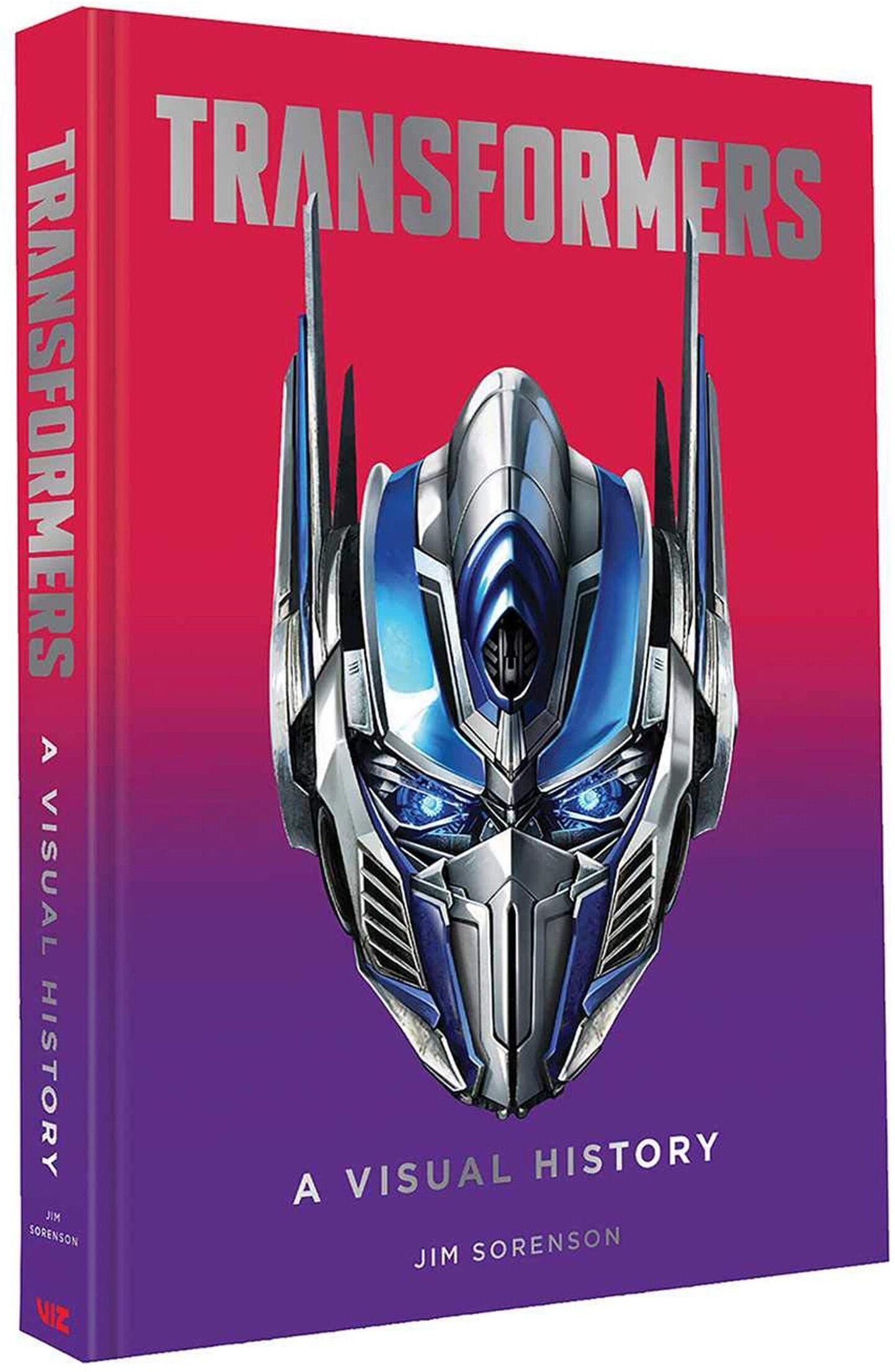
VIZ Media LLC Transformers: A Visual HistoryTransformers: A Visual History Description One of the worlds most popular franchises, Transformers has been delighting fans since 1984. Now, in this deluxe hardcover celebration, Hasbro reveals behind-the-scenes production sketches, beautifully polished final art, and everything in-between. From the obscure to the iconic, this book features packaging artwork, animation models, video game designs, comic pages, and, for the first time ever, production artwork from all six Paramount live-action films! Lovingly curated by Transformers archivist Jim Sorenson, this is the most comprehensive collection of Transformers imagery ever assembled. Related Tags: Viz Media, Viz Media LLC24,99 £*Shipping: 2,99 £Secure redirect to the provider
-
What are the differences between Visual Studio 2017 and Visual Studio 2019?
Visual Studio 2019 offers improved performance, better search functionality, and enhanced debugging features compared to Visual Studio 2017. Additionally, Visual Studio 2019 has a more streamlined user interface and provides better collaboration tools for developers working in teams. Overall, Visual Studio 2019 offers a more efficient and productive development experience compared to its predecessor, Visual Studio 2017. **
-
How do I open Visual Studio from Unity instead of Visual Studio Code?
To open Visual Studio from Unity instead of Visual Studio Code, you can go to the Unity Editor and navigate to Edit > Preferences > External Tools. In the External Tools settings, you can select Visual Studio as the preferred external script editor. Once you have selected Visual Studio, Unity will open Visual Studio when you double-click on a script in the Unity Editor. **
-
How do I open Visual Studio from Unity and not Visual Studio Code?
To open Visual Studio from Unity instead of Visual Studio Code, you need to set Visual Studio as the default external script editor in Unity. To do this, go to Edit > Preferences > External Tools, then select Visual Studio as the External Script Editor. Once this is set, when you double-click on a script in Unity, it will open in Visual Studio instead of Visual Studio Code. **
-
Is Visual Studio backwards compatible?
Yes, Visual Studio is generally backwards compatible with older versions of Visual Studio projects and solutions. This means that you can open and work on projects created in older versions of Visual Studio in newer versions of the software. However, there may be some limitations or issues when working with very old projects in newer versions of Visual Studio, so it's always a good idea to check for compatibility before making any updates. **
* All prices are inclusive of VAT and, if applicable, plus shipping costs. The offer information is based on the details provided by the respective shop and is updated through automated processes. Real-time updates do not occur, so deviations can occur in individual cases. ** Note: Parts of this content were created by AI.